
Fusion Drives, used in many iMacs and Mac minis from 2012 to 2019, combine a small SSD with a large hard drive into one volume. When either half fails, the whole volume becomes unreadable, and normal recovery tools often fail. We recover data from Fusion Drives every week.
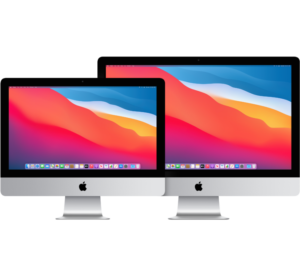
Fusion Drive faults we recover from
- Failed or clicking hard drive half of the Fusion Drive.
- Failed SSD half, or a “split” Fusion Drive after a macOS update or repair.
- Mac stuck at the Apple logo or showing a folder with a question mark.
- Corrupted APFS or Core Storage containers.
How we recover a Fusion Drive
We image both drives separately, then rebuild the combined volume from the images, so your original drives are never written to. Once your data is safe, we can fit a single fast SSD so the problem does not return. See iMac repair.
Frequently asked questions
My iMac is very slow and then stopped booting. Is it the Fusion Drive?
Often, yes. A failing hard drive inside the Fusion Drive causes slowdowns before it fails completely. Stop using it and bring it in.
Can you replace my Fusion Drive with an SSD?
Yes. After recovery, we fit an SSD and copy your data back, which makes the iMac much faster.
Book your Fusion Drive recovery
Drop your device at our London Bridge repair centre, book a drop-off at our Beckenham centre (by appointment), or arrange a collection. Book your repair online, call 020 7237 6805 or send us a message. We are open Monday to Saturday, 9am to 6pm.