
Upgrading an older MacBook Pro from a hard drive to an SSD, or to a larger SSD, is one of the best-value upgrades you can make. It can make an older machine feel new. We fit the drive, transfer your data and apps, and test everything.
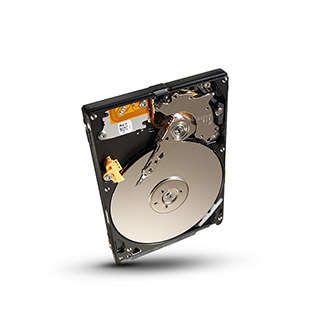
Which MacBook Pro models can be upgraded?
- Can be upgraded: MacBook Pro models up to 2012 with a 2.5-inch hard drive, and Retina MacBook Pro models from 2012 to 2015 with a removable SSD.
- Cannot be upgraded: MacBook Pro models from 2016 onwards, all Apple silicon MacBook Pro models up to the 2026 M5 Pro and M5 Max, and the MacBook Neo. Storage is soldered to the logic board.
Options if your storage cannot be upgraded
- A fast external SSD over Thunderbolt or USB-C for large libraries and projects.
- Moving photos and archives to an external drive or NAS.
- If your Mac has failed, see Mac data recovery and logic board repair.
Memory upgrades
Memory can be upgraded on MacBook Pro models up to 2012. From the Retina models onwards, memory is soldered and cannot be changed.
Frequently asked questions
Will an SSD make my old MacBook Pro faster?
Yes. Start-up, app launches and file access are many times faster than on a hard drive.
Do you transfer my data to the new SSD?
Yes. We clone your existing drive, so your files, apps and settings are exactly as they were.
Book your SSD upgrade
Drop your device at our London Bridge repair centre, book a drop-off at our Beckenham centre (by appointment), or arrange a collection. Book your repair online, call 020 7237 6805 or send us a message. We are open Monday to Saturday, 9am to 6pm.